Design Library · Laser Generator Studio
Laser Design Library: 4,500+ Designs Cleared for Commercial Use
Over 4,500 laser-ready designs cleared for products you sell: animals, flowers, frames, badges, mandalas, holidays and sports. Turn any one into a product in a click.
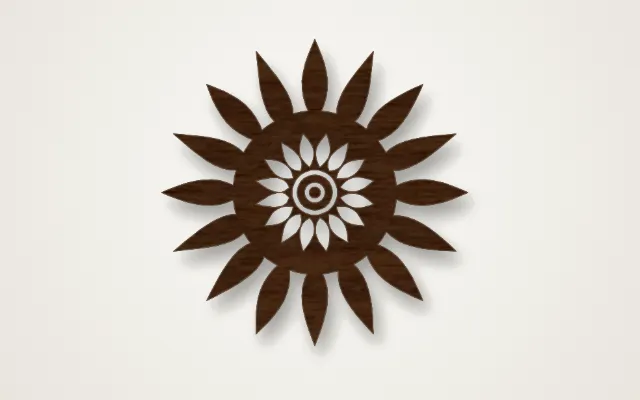
- Exports
- SVG, DXF, PDF
- Works with
- LightBurn, xTool Creative Space, Glowforge, LaserGRBL
- Materials
- Birch plywood, acrylic, leather, slate, anodised aluminium
What it makes
The Design Library holds over 4,500 laser-ready designs that are cleared for products you sell. Search or browse, pick a design, and turn it into a keychain, ornament, coaster, sticker or cut-out in one click. Every design is a clean vector, so it engraves and cuts without fixing.
What is in it
| Category | Examples |
|---|---|
| Animals | Pets, farm animals, wildlife, birds |
| Flowers and nature | Roses, leaves, trees, mountains |
| Frames and badges | Borders, labels, crests, ribbons |
| Mandalas | Round and layered patterns |
| Holidays | Christmas, Halloween, Easter, Valentine’s Day |
| Sports | Balls, badges, trophies |
How it works
- Search for a word or open a category.
- Pick a design and a product: keychain, ornament, coaster, sticker or cut-out.
- Set the size and add text if you like.
- Export or send it to another studio.
Tips
- Engrave detail, cut outlines. Fine designs look best engraved on a cut blank.
- Check small parts. At keychain size, very thin lines can burn away; scale up or pick a bolder design.
- Make it personal. Add a name with the gift generator to sell it as a custom item.
Commercial use means products, not files. Sell what you make with the designs, but do not share or sell the design files.
Export
Designs export as SVG, DXF or PDF at the exact size, with engraving and cuts on separate layers.
Questions
Can I sell products made with these designs?
Yes. Every design in the library is cleared for use on products you make and sell. You cannot resell the design files themselves.
How do I find a design?
Search by word, such as owl, rose or football, or browse the categories: animals, flowers, frames, badges, mandalas, holidays, sports and more.
What can I make from a design?
Pick a design and choose keychain, ornament, coaster, sticker or plain cut-out. The studio adds the outline, hole and size for you.
Can I change a design?
Yes. Resize it, add text, or send it to another studio such as Gifts and Ornaments or Signs to build a full product around it.
Do the designs work with any laser?
Yes. They export as clean vector files that work with diode, CO2, fibre and UV lasers.
xTool, LightBurn, Glowforge are trademarks of their respective owners. Laser Generator Studio is an independent product and is not affiliated with or endorsed by them.